ORDER WORKSPACE DOCUMENTATION

Install Order Workspace and create your first internal order workflow.

Organize and find Workspace information in WooCommerce Orders.

Set up Pro and learn the tools that speed up everyday order processing.

Find compatibility, update, data and troubleshooting information.
Get Order Workspace up and running and create the first Fields your team needs for WooCommerce orders.
Order Workspace Free works as a standalone plugin. You do not need Order Workspace Pro to create and use your internal order Fields.
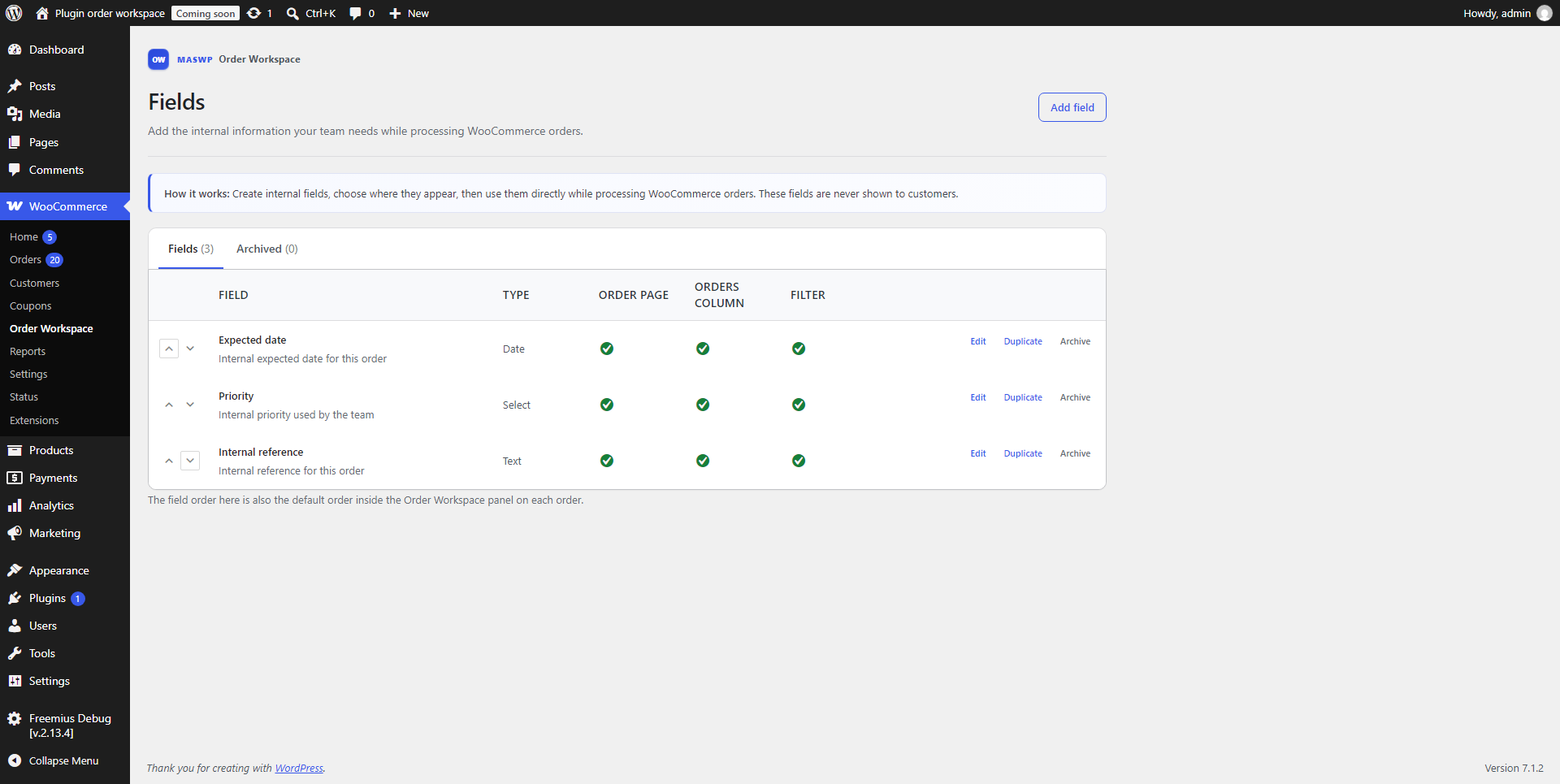
Fields let you add structured internal information to WooCommerce orders, such as Priority, Supplier, Expected date or Internal reference.
Once created, the Field is ready to be used in your WooCommerce order workflow.
Use Workspace Fields throughout WooCommerce Orders to keep internal information organized and easy to find.
Order Workspace includes six Field types:
Workspace Fields can be shown directly inside the WooCommerce order page so your team can view and update internal information while working with an order.
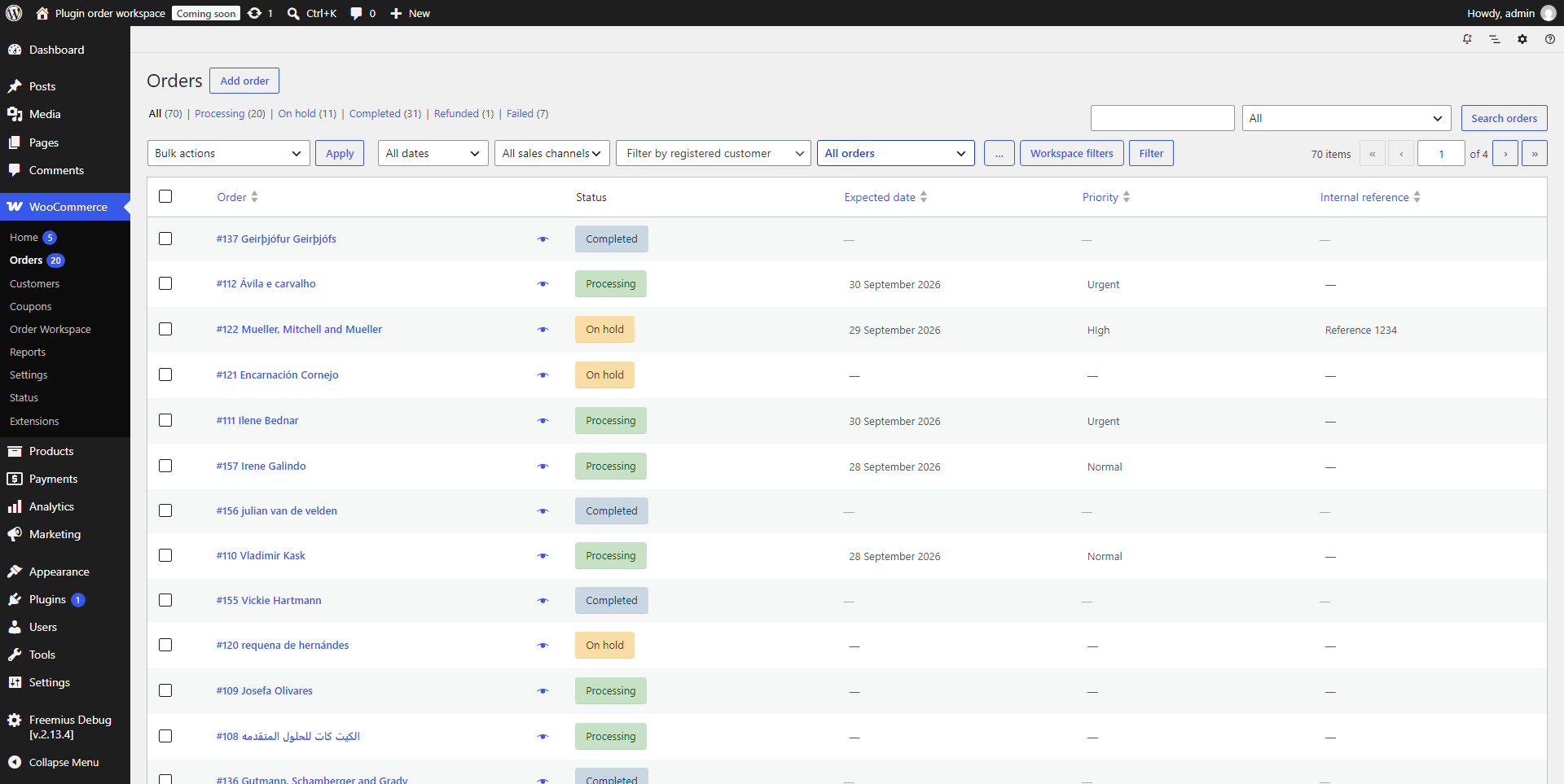
Fields can also be displayed as columns in the WooCommerce Orders list. This lets your team see important internal information without opening each order individually.
Supported Workspace Field columns can also be sorted directly from the Orders list.
Order Workspace Free lets you filter WooCommerce orders using a Workspace Field, helping you focus on the orders that match the information you need.
Duplicate an existing Field when you want to reuse a similar setup instead of starting from scratch.
Fields can also be archived and restored later. Archiving lets you remove a Field from active use without immediately losing the order information associated with it.
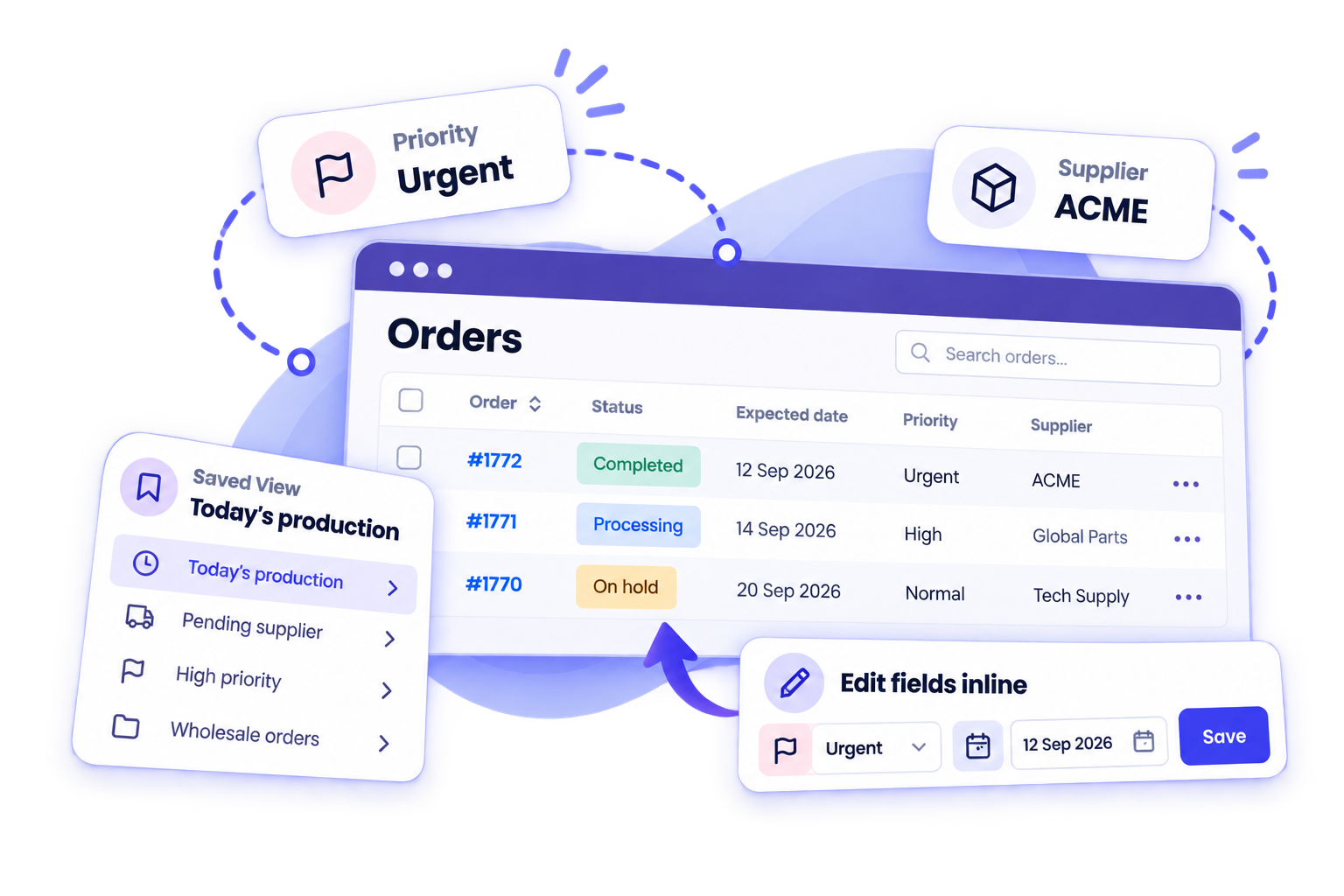
Order Workspace Pro extends Free with tools designed to speed up everyday WooCommerce order processing.
Pro extends Order Workspace Free, so both plugins are used together.
Activate your Pro license to receive Pro updates and support. License and subscription management is handled through Freemius.
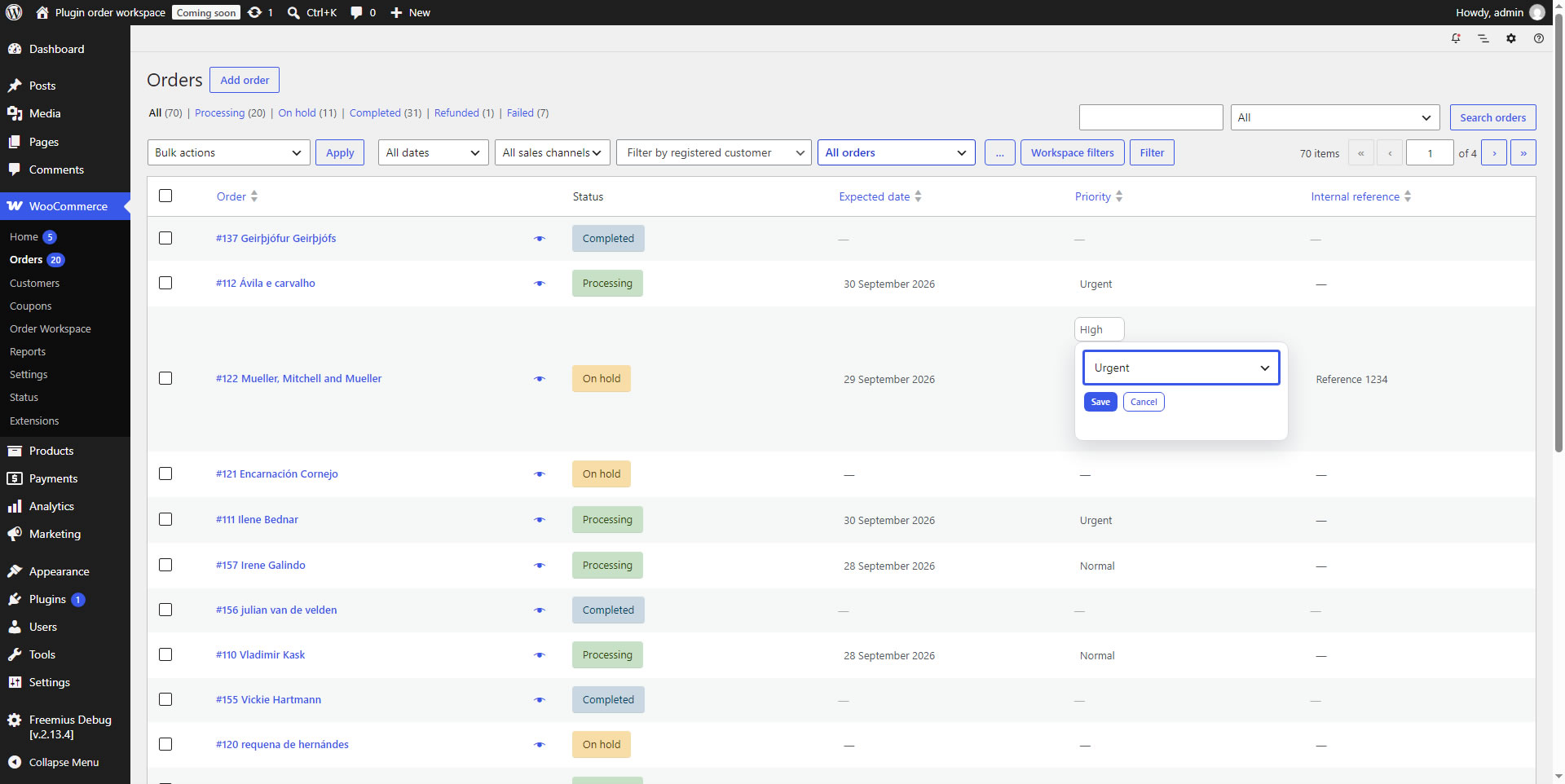
Edit supported Workspace Field values directly from the WooCommerce Orders list without opening each order individually.
Select multiple WooCommerce orders and update one or more Workspace Fields across those orders in a single operation.
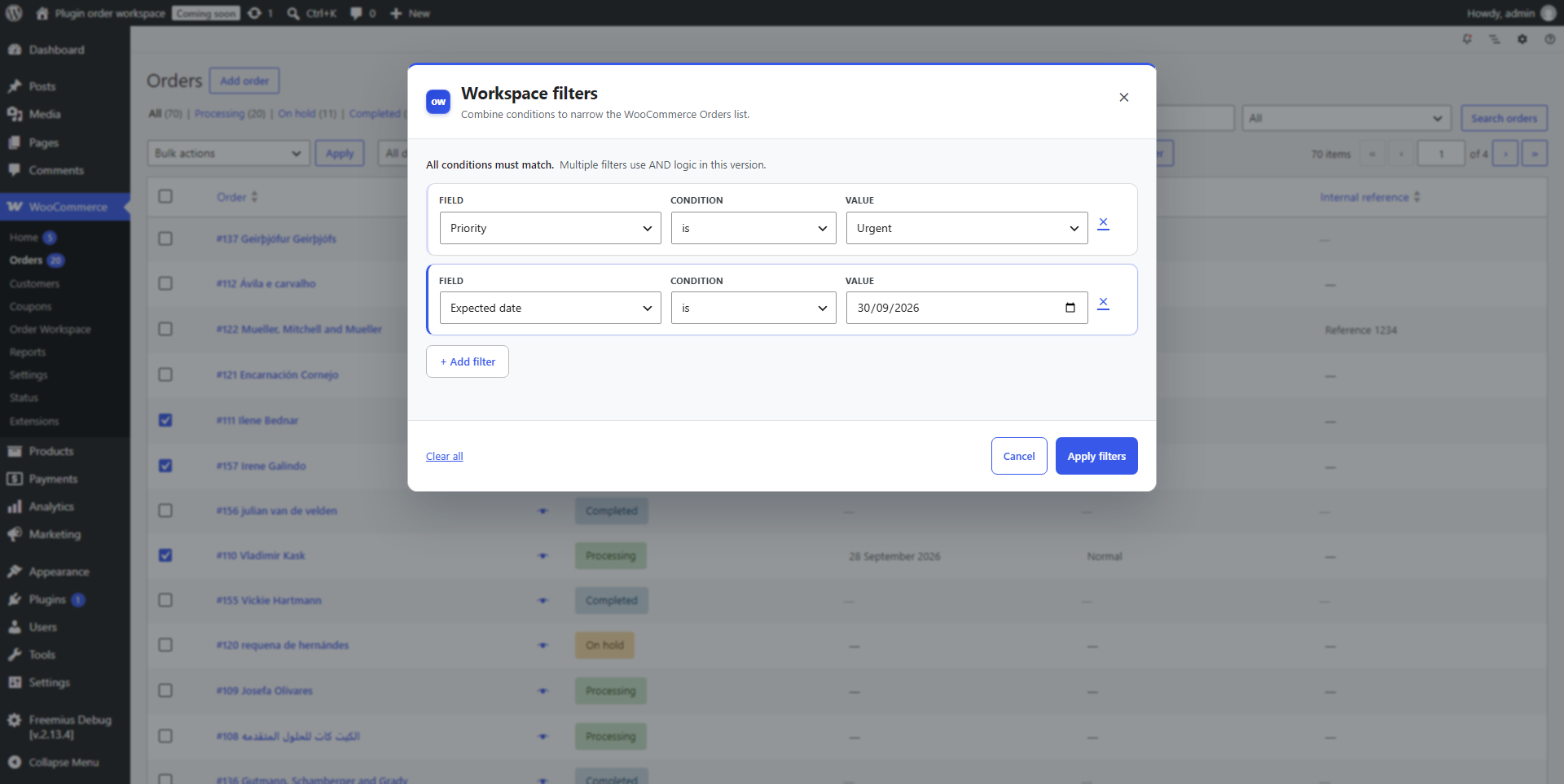
Combine several Workspace Field conditions at the same time to narrow the Orders list to exactly the orders you need.
Save frequently used Workspace filter combinations as reusable Views and return to them later without rebuilding the same filtering setup.
Compatibility, updates, data handling and troubleshooting information for Order Workspace.
Order Workspace is built using WordPress and WooCommerce APIs and supports
WooCommerce High-Performance Order Storage (HPOS).
Keep WordPress, WooCommerce and Order Workspace updated to a supported version
for the best compatibility and support.
Order Workspace Free updates are distributed through WordPress.org. Pro updates are available while your Pro license is active.
Deactivating or uninstalling Order Workspace does not automatically delete
your Workspace Fields or the values stored with WooCommerce orders.
Archiving a Field is also non-destructive and can be reversed later.
Permanently deleting a Field and its associated values is a separate action
and should only be used when that information is no longer needed.
Always make a current backup before permanently removing important store data.
If something does not work as expected:
If you still need help, visit the Order Workspace Support page.

NEED MORE HELP?
Can’t find what you’re looking for? Visit Support for help with Order Workspace Free, Pro, licenses and billing.