Support options
Choose the type of help you need. Documentation, Free support, Pro support and license or billing assistance are available through the appropriate channel.
Documentation
Start with the Order Workspace documentation for installation, configuration, feature usage and troubleshooting guidance.
Browse Documentation →
Getting started with Pro
Purchased Order Workspace Pro? Follow these steps to get started:
- Install and activate Order Workspace Free
from WordPress.org if it is not already active. - Download the Pro ZIP using the instructions in your purchase
confirmation email. - In WordPress, go to Plugins → Add New → Upload Plugin,
upload the Pro ZIP, then install and activate it. - Follow the license activation instructions shown by Pro,
using the license provided with your purchase.
Keep both Free and Pro active.
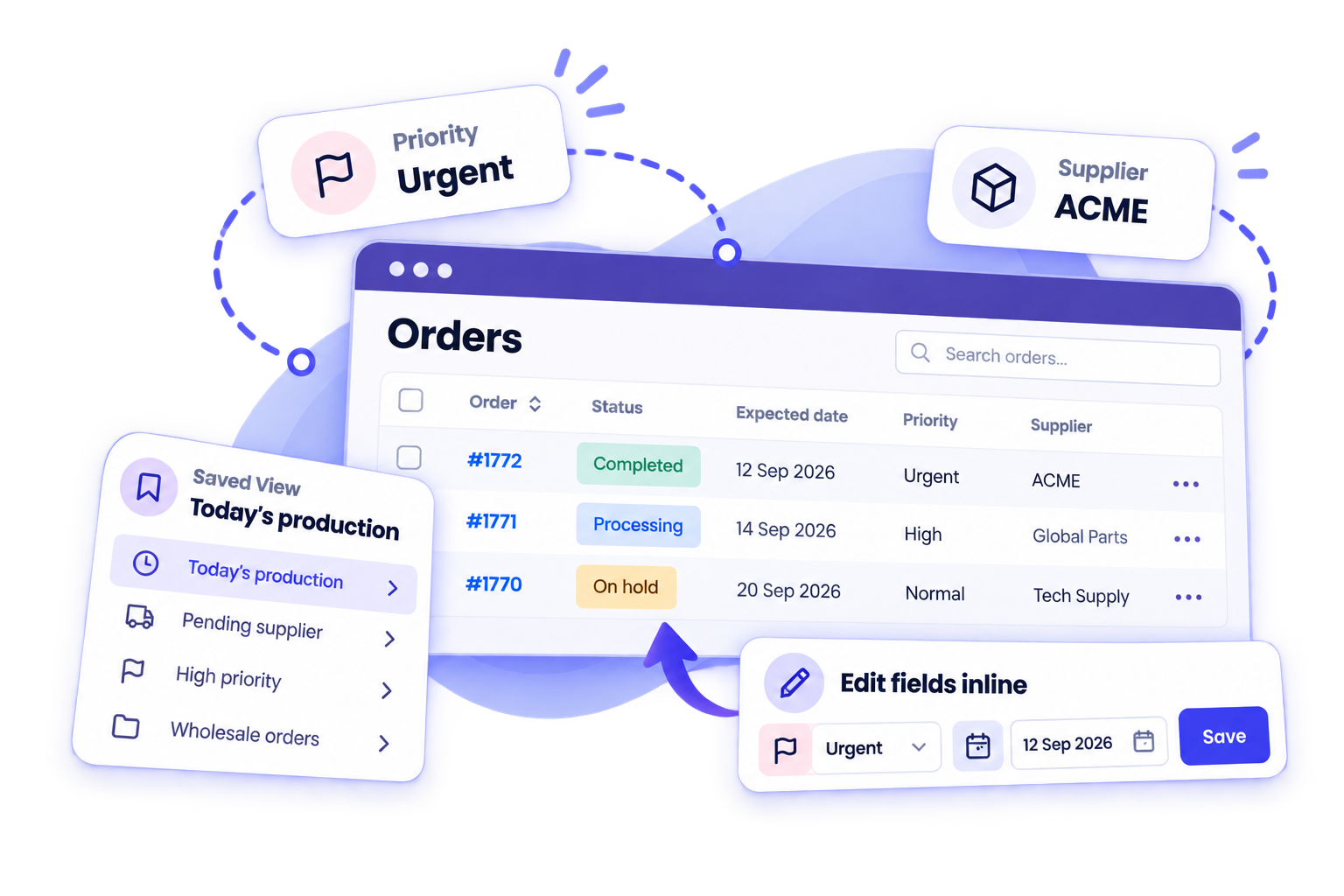
Pro extends Free with Inline Editing, Bulk Editing,
Multiple Filters and Saved Views.
Cannot find your purchase email or need help getting started?
Contact hello@maswp.net
using the email address you used at checkout.
Please do not send passwords or license keys.
Free Support
If you use Order Workspace Free, support is available through the official WordPress.org support channel.
Visit WordPress.org Support →
Pro Support
Order Workspace Pro customers can contact MasWP for help with Pro features, installation, updates and product-related issues.
Contact Pro Support →
Refund Requests
For details about our 30-day money-back guarantee and how to
request a refund, please read our refund policy.
View Refund Policy →